


AI content creation software built around review
Zentivue is AI content creation software for people who produce content for more than one brand. It drafts the work and your team decides what is used. Here is what it does.
Content for each channel
Five kinds of content come out of one workspace: LinkedIn, Facebook and Instagram posts, marketing emails, and blog articles. An image is prepared alongside where it suits the piece, and a blog you write by hand can go through the same review.

Brand voice for every client
A client is a company you produce content for. Each one has its own voice, topics and look, so the content for a law firm does not read like the content for a bakery. A campaign belongs to one client and can change some of those settings for a while, for example a different tone for a seasonal push.
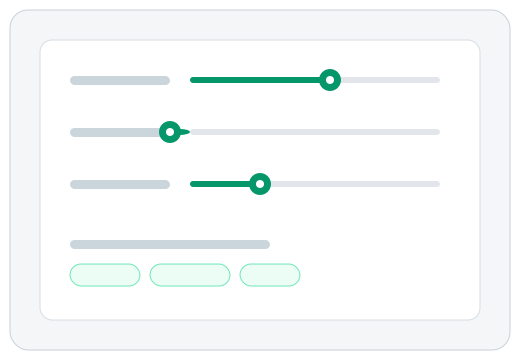
Every accept, edit and rejection teaches Zentivue something about a campaign, for instance that openings should be shorter or that a certain jargon word keeps getting cut. It adds a short note of that to its instructions for later drafts, and your own settings always take priority. Administrators choose whether a new lesson is used at once, held until they approve it, or switched off entirely, and any lesson can be rolled back.
A content review workflow
Every draft waits for a person. Reviewers edit the copy, accept or reject it and its image, and ask for a new version with a short instruction such as "shorter, and mention the Saturday sale". Rejections carry a reason, and every decision is kept in the draft's history. Nothing is posted for you: you copy or download approved content and publish it yourself.

Drafts on a schedule
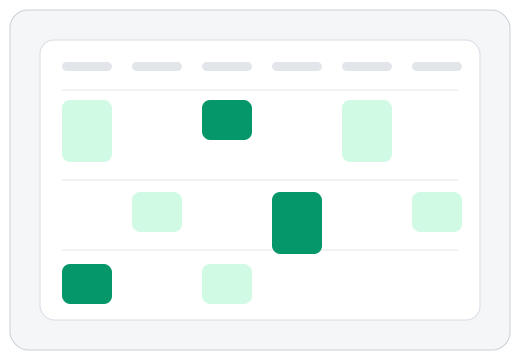
Drafts arrive weekly, and administrators can ask for a batch at any time. Each draft can carry a planned post date, and a four-week calendar shows what is planned and what is approved but still undated.
Images with the words
Drafts arrive with an image where one fits. Reviewers can see and change the prompt behind an image, make a new version, go back to an earlier one, and put a client's logo in the image.

Built for teams and clients
- Roles. Reviewers read and approve. Administrators also set up clients and campaigns and manage who can sign in.
- Client preview emails. If you switch them on for a client, its main contact receives an 8:00 morning summary of what you approved, in your company's name. The email has no buttons or links to click, and a day with nothing approved sends nothing.
- Client invoicing. Another optional feature: Zentivue can prepare the monthly invoice for a client, send it under your company's name, and record whether it has been paid. Collecting the money stays with you.
- An assistant that knows the product. Ask questions in plain language and get answers from the product's own help.
- Works on a phone. Review and approve from a phone as easily as from a desk, in light or dark mode.